
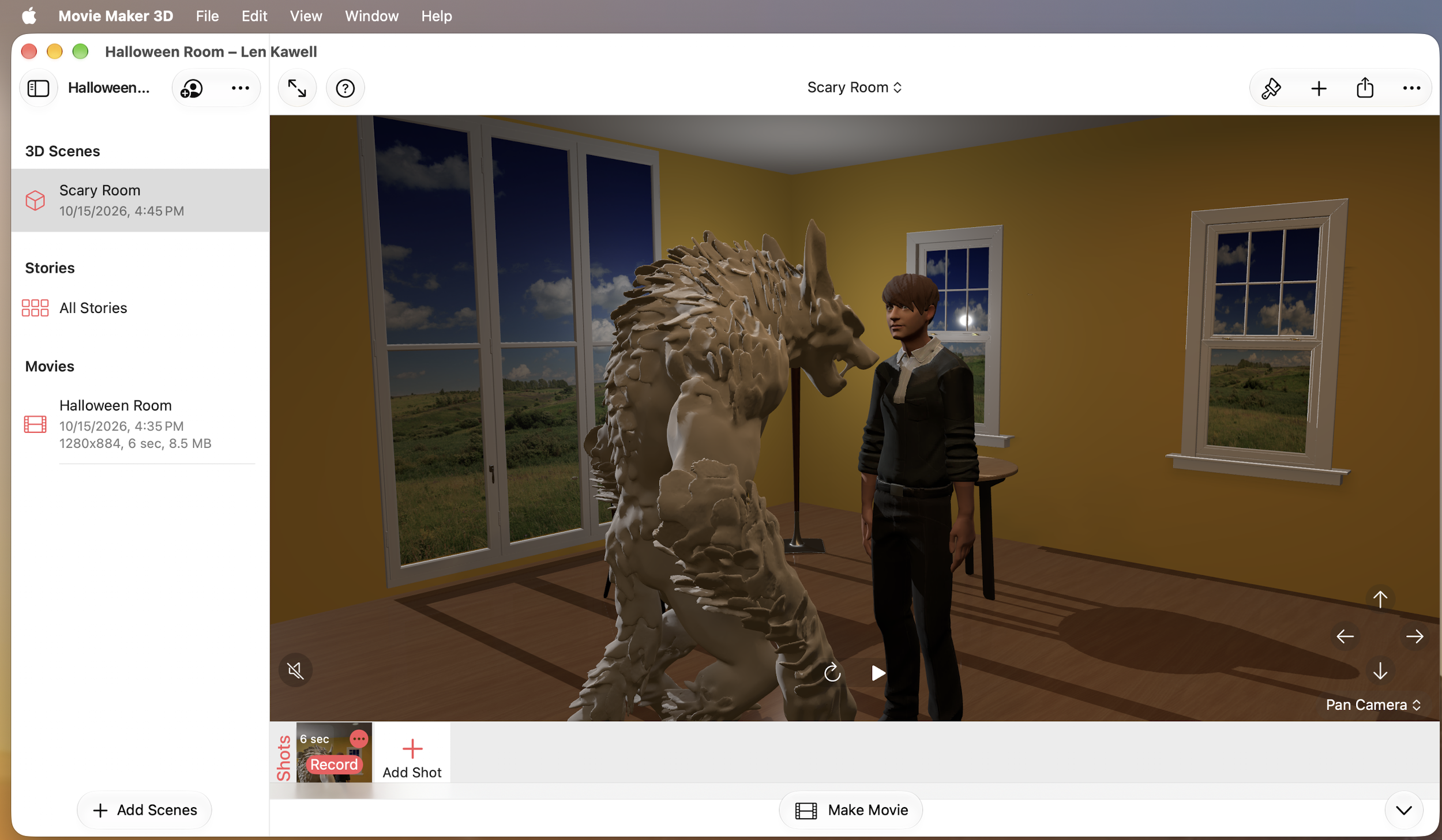
Pepper Movie Maker 3D is a fun way to create an 3D room and video to submit to the CGTrader Halloween 3D Art Challenge 2026.
Here are some basic steps to make your own video for the Halloween 3D Art Challenge:
Go to cgtrader.com, get a royalty-free 3D model (free or for a fee). Be sure to choose a model with GLB or USDZ format and download the GLB or USDZ file for the model to your device. On your iPhone or iPad it will appear in the Files app and on your Mac it will appear in the Finder.
Launch the Pepper Movie Maker 3D app on your device.
Tap Add Project, then tap Basic button at top, then tap Indoor, enter a name name for your project something like “Scary Room” and tap Create.
When the Indoor scene in the new project loads, tap the (+) button, choose “3D Model File (USDZ or GLB)”, choose your downloaded GLB or USDZ model file and tap Open. This will add your new 3D model to the Indoor scene. You can then use drag & drop to move the model anywhere you like in the scene.
To customize your room scene you can also:
Tap the (+) button again and choose to add some more built-in Movie Maker 3D models to the scene.
Tap an existing model in the scene to select it and then tap the (Paintbrush) button to Customize it or remove it from the scene.
When the scene is ready to be recorded, tap the red Record button at the bottom of screen to setup to record the shot, tap Next and then change the Duration to 6 seconds then Record to begin recording.
When the recording is complete, tap the Save button which saves the video shot in the project.
Then tap Make Movie and when the movie video has been compose, tap Save to save the movie video in the project.,
Then tap View Movie, then tap the share button (^) and
On an iPhone or iPad choose to Instagram to post the movie video be sure the aspect ratio is 9:16 and add the tags @cgtrader and #CGTraderRoomChallenge
On a Mac, you’ll have to choose Save to Files then use Safari to go to instagram.com. Tap (+) to make a new post, choose your movie video, add the tags @cgtrader and #CGTraderRoomChallenge
You’ve entered the Challenge!
Check here for full details on the CGTrader Halloween 3D Art Challenge 20206.
Please let us know if you have any questions or problems by sending an email to support@moviemaker3d.com.
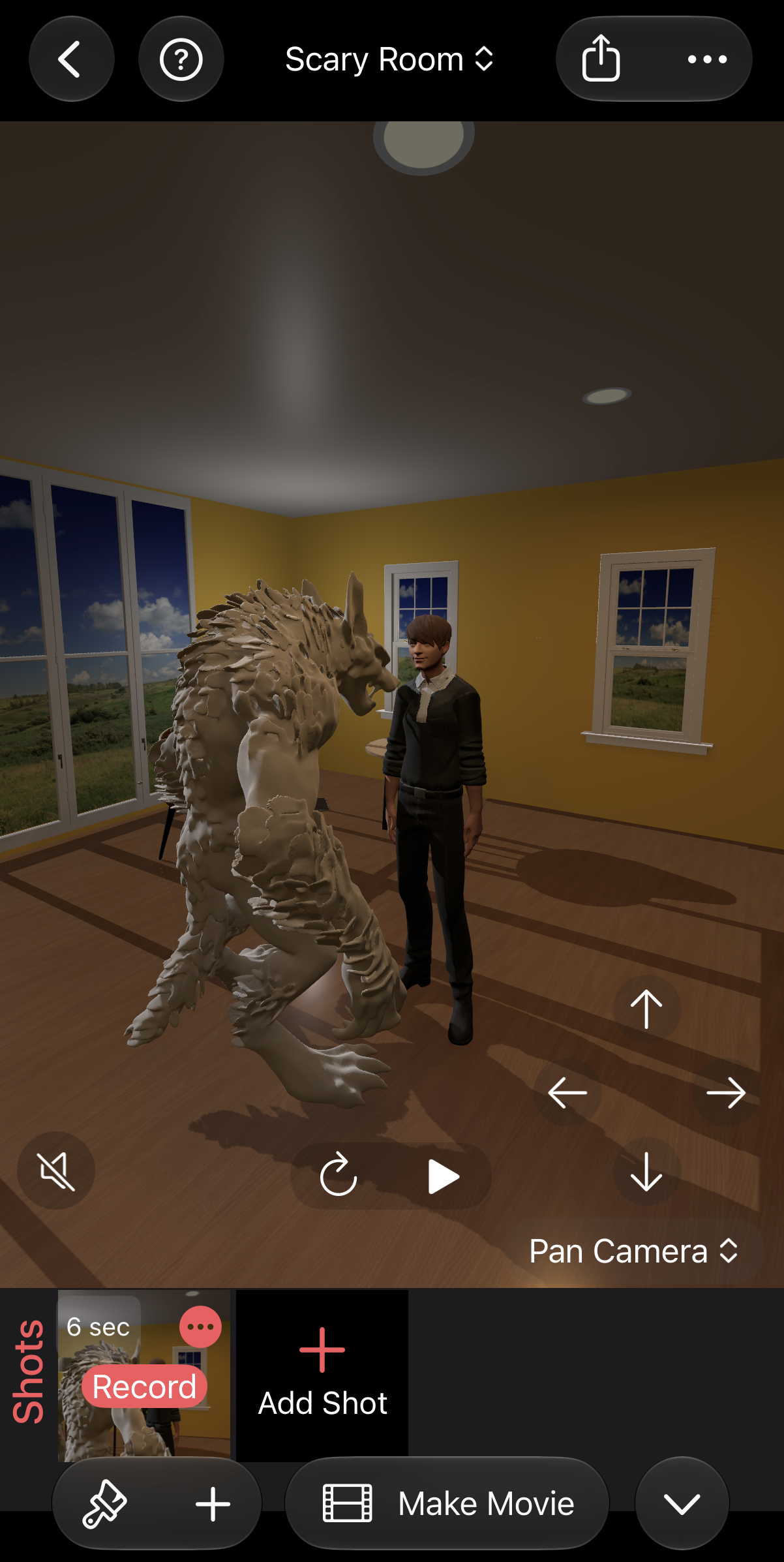
Or make your 3D Challenge video on an iPhone or iPad.